How To Film Your Own Wedding Video: The Ultimate Guide

Looking to save money on a wedding videographer? Thinking about filming your own wedding video? We’re here to help! There’s a variety of ways to create your own video, from asking your friends to film on phones, to setting up camcorders on tripods. In this guide, we go through them all!

Learn More View Examples

As Seen On

Can I make my own wedding video?

Yes, absolutely! There are a number of things to consider and planning is very important. But if done right, with the help of a few of your guests, you can make your own wedding video without a videographer.

This is a big guide! Use the buttons below to jump between the different sections.

Why would you film your own wedding video? The Pros…

Since you landed on this guide, you probably already have some ideas about why you would want to take on the task of filming your own wedding film. But maybe there’s some benefits you hadn’t considered…

Why wouldn’t you? The cons…

It would be remiss of us to completely overlook the drawbacks of a DIY wedding video. So here’s some reasons you might not want to film it yourself:

  • Without some well thought out planning, your guests might fail to capture some key moments that you want on camera.
  • If you truly do everything yourself or with your guests, from filming to editing, it might become a burden. That’s why we recommend using an service (like ours!) to assist with the process

The Options

Film On Phones

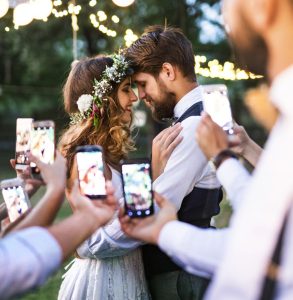
The easiest option is to have your guests video your wedding using their own mobiles phones. This is great, because you don’t need to buy any new equipment and people will find it super easy to film.

  • No new equipment needed, guests use their phones
  • High quality video (often 4K at 60fps)
  • Unobtrusive and easy – guests know what they’re doing!

Use Camcorders

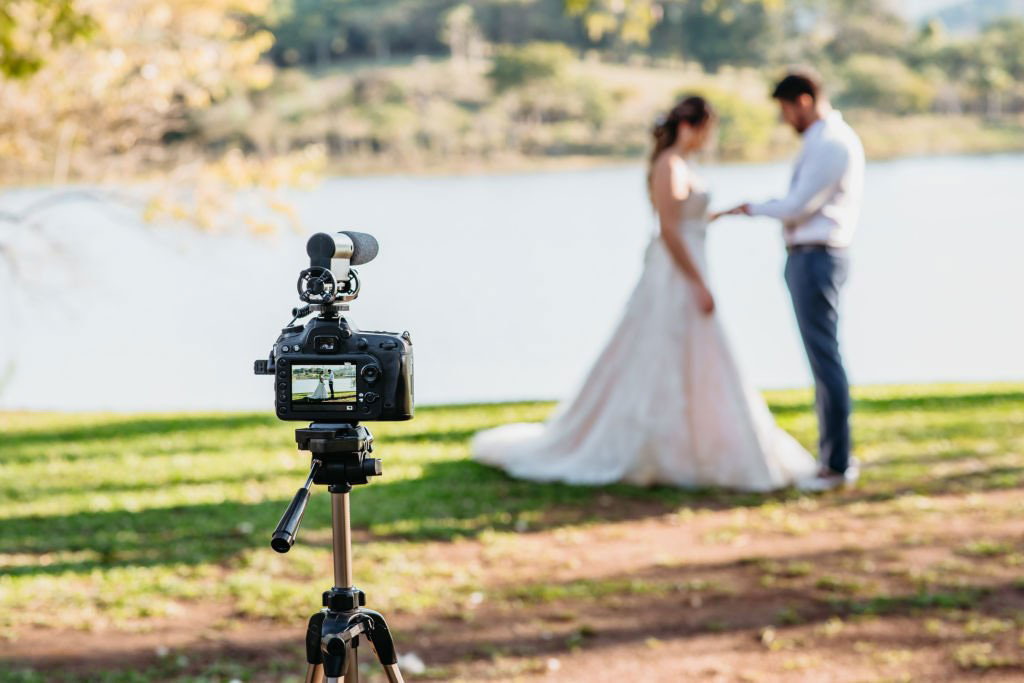
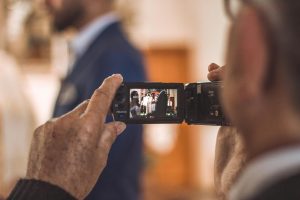
Using dedicated camcorders, a fancy camera or a GoPro is another great option – particularly if you already have the equipment at home or a guest that knows their stuff when it comes to videography!

  • Great if you already have equipment
  • Guests may be less comfortable
  • Harder to capture as many angles

A Combination

If you already have some equipment, using a combination of phone footage and video camera clips can be the perfect option!

  • Best of both worlds
  • Capture lots of angles, and some fancier footage

Planning Your Wedding Video

Who should film?

One of the big questions you need to answer, is if you do it yourself – who exactly, is going to do the filming?

Obviously you can’t actually film it yourself – you and your partner don’t want to have a camera in your hand on your own wedding day! So it’s going to fall to your guests. But who?

An experienced guest?

Perhaps you already have a videographer attending your wedding? A friend that’s got experience in this area? If so you could ask them to be in charge of creating your video. However, that can be a lot to ask one person. If they do this as their day job, they may not be thrilled about having to ‘work’ whilst at your wedding.

We believe it’s actually better to ask a range of guests.

Ask numerous guests to film your video

If you split filming responsibilities between 5-10 guests, everyone only needs to do a little. This does require a bit of forward planning, to ensure all the key parts of the day are split between them.

Another benefit of asking a few people to film, is that you’re more likely to capture a wide variety of your wedding. If you just choose one person, you’ll only see the day from their perspective, and footage might heavily orientate around one friend group or side of the family.

More than one person per part

It’s always best to have at least 2 people on any important parts of the wedding day. For example – have 2 people film the ceremony, so all the responsibility does not fall on one person, and there’s a backup if something goes wrong.

What parts of the wedding should you film?

In a word… everything! Well, everything you want to. The beauty of doing it yourself is that it’s completely up to you what you do and don’t film. Take your pick from the following key moments, and maybe add your own that are unique to your wedding…

  • Rehearsal dinner/ceremony
  • Getting ready in the morning
  • Travelling to the ceremony
  • The ceremony itself
    • Walking down the aisle
    • Exchanging rings
    • Vows
    • First kiss
    • Exiting the ceremony
    • Confetti throw
  • The reception
    • Small details like decorations
    • Wedding breakfast
    • Games
    • Speeches
    • Cutting the cake
    • First dance
    • Entertainment
    • The party

With a professional videographer there’s generally a limit to what can be captured, as the pro can only be there for a certain length of time – usually leaving shortly after the first dance.

So if you’re filming your own wedding – make the most of it – and film from first thing in the morning, right up until those hilarious drunken shenanigans at the end of the night.

Guidance

It’s super important to give your designated videographers (your chosen guests) a bit of guidance. What exactly do you want them to film? What kind of angles do you want? How long should the video clips be?

With Filmed On Phones

  • We provide guidance to up to 10 of your guests
  • Simply add their name, and a phone number of email address
  • We send guidance to them 1 week before the wedding
  • 6 roles to choose from, depending on what you want them to film
Filmed On Phones

Equipment – what are your guests going to use to film the wedding?

If you choose to film the wedding on phones, there’s no extra equipment that it is absolutely essential to have. Any phone that was made after 2015 can film it an acceptable quality. For example, the iPhone 6s came out in 2015 and can film in 4K – which is higher quality than you really need.

We like to think of it this way – when was the last time you watched a video on your phone and thought the quality was unacceptable? Generally any phone video will be absolutely fine for your wedding video.

Beyond phones or camcorders you already have, some extra equipment you might want to consider is…

  • A tripod – particularly useful if you plan to video long parts of your ceremony or speeches, as people’s arms get tired!
  • Lighting – we recommend relying on natural lighting as much as possible. External lighting equipment is really not necessary but if you want to go the extra mile it won’t hurt, particularly for those late night shots.
  • A sound recorder – great if you want crisp audio of your ceremony and speeches. One option would be to simply use the sound recorder app on a phone, and place it close to the speaker/s

That’s really it, and all of the above are optional, not essential. If you are filming your own wedding you shouldn’t expect a super high quality, cinematic highlights video, and we find it’s better to lean into the homemade feel, rather than try to avoid it.

Filming: Essential tips for an amateur capturing the wedding

These kind of tips are included in the guidance we send to your Filmers, as part of all of our packages.

01

Keep devices charged beforehand, and ensure you have plenty of spare memory. You don’t want to be madly trying to delete old files in the middle of the ceremony!

02

Refrain from excessive zooming. Generally zooming is not needed, and can potentially be added in the editing phase. Resist the temtpation to repeatedly zoom in and out, as it rarely looks good and makes editing more difficult!

03

Use natural lighting where possible. For example, stand by a window, with the lighting shining on what you’re filming – rather than filming people with light behind them.

04

Film clips for around 10 seconds. With the exception of speeches and possibly the ceremony if you want it in full, aim to make most clips around 10 seconds long. This is long enough that the best part can be picked out in editing, but not excessively long.

05

Enjoy it! It’s important to have fun with the responsibility. Don’t stress too much about everything being perfect, and just capture what you can.

Editing the Video

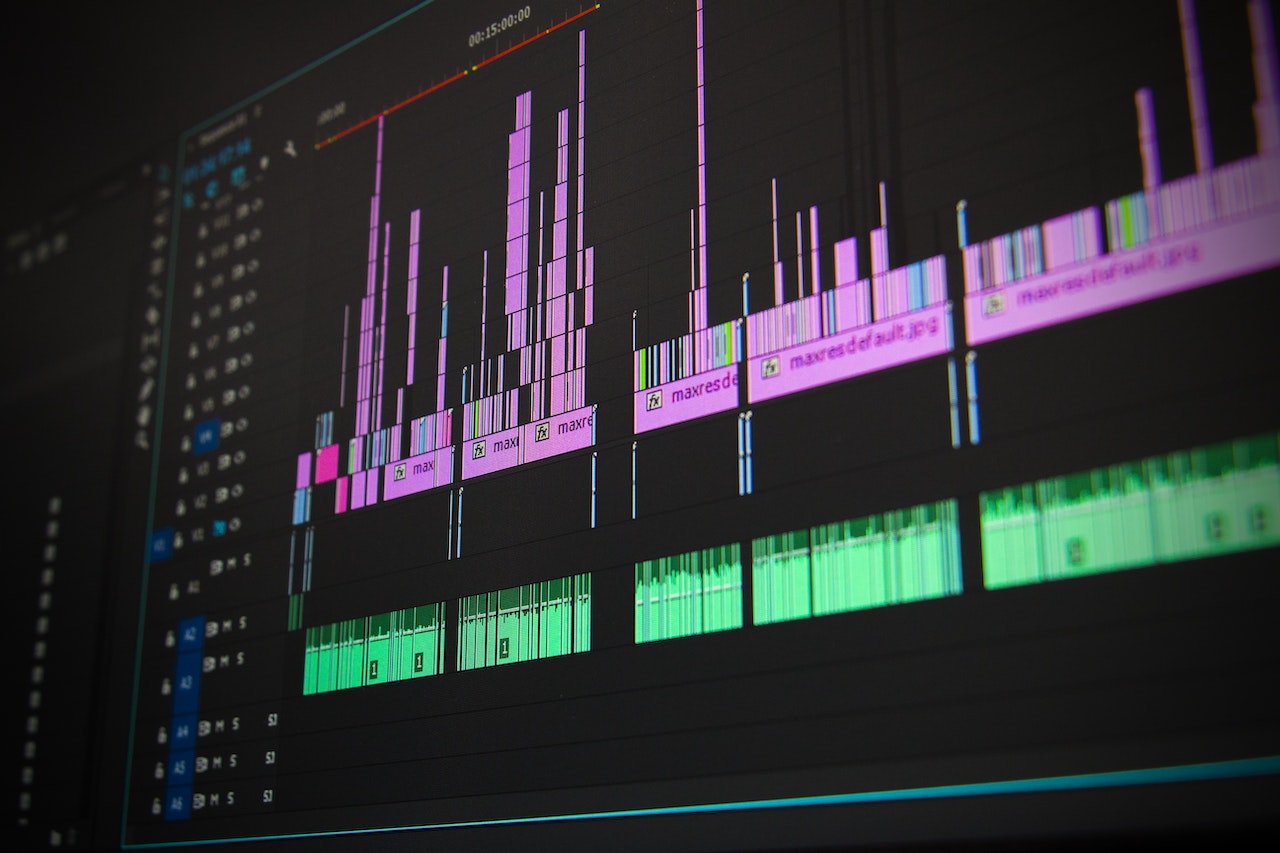
This is the part where everything comes together! Collect the clips up and begin editing the wedding video. But what are your options here? What software should you use? Can you get someone else to do it? How long does it take?! We answer everything for you in the next section…

Gather all the wedding clips together

The first step, is to collect everything in. If you filmed on a camcorder, this should all be on SD cards – ensure you have an SD card reader.

If your guests filmed on phones, you’ll need to get everyone to send their clips to you or whoever is doing the edit. We strongly advise against using WhatsApp or Facebook Messenger to collect videos. Videos are heavily compressed if sent this way, which will significantly reduce the quality of the final edit.

Instead, you should use a service like Google Drive or Dropbox and ask people to upload there. When you use our service, we provide a unique link and send this to all your assigned ‘Filmers’ the day after the wedding. They have 1 week to upload all their clips before we start editing.

You can also share this link with anyone else you want to who may have footage to upload.

How can you edit your own wedding video?

You have a few options here:

  • edit the video yourself, great if you have experience in video editing
  • ask a friend to do it if you know someone
  • use a service like ours, where we edit guest footage together for you

Editing it yourself isn’t great, because it’s very time consuming and you ought to be enjoying your honeymoon or married life generally. Also, it means you’ll see all the video footage before your partner, and takes away that special moment of watching the wedding video together for the first time.

So – we’re biased – but we would totally recommend paying professionals to edit it for you. However, if you do want to edit it yourself, we’ll delve further into your options below…

What video editing software should you use?

There’s plenty of options out there, depending on what you want.

Premiere Pro: this is the go to option for professionals, and this is what we use to edit all of our videos. However, an Adobe Creative Cloud subscription is required which is expensive. But there is no limit to what can be achieved with Premiere Pro, and good editing is going to make all the difference to your final highlights film.

Clipchamp: this software comes free with Windows, so you’ll likely have it on your PC already. It is very limited in what it can do, but if cost is a huge factor, this may be your best option.

CapCut: Perfect if you want to edit your wedding video entirely on your phone. There is a small monthly cost of the Pro version, but it’s probably worth it so you can get the most out of editing on your phone.

Instagram/TikTok: if you only want a wedding video to post on Instagram or TikTok, you could edit exclusively in-app. It can be fiddly and there are limits to how long it can be, or how much and what music can be used.

How many hours does it take to edit a wedding video?

On average, it takes around 10 hours. It does depend hugely on the length of the edit. For example a 2-3 minute film will be much quicker to edit than a 40 minute film including full cuts of the ceremony, speeches and first dance. The key takeaway is that editing is very time-consuming.

What music can I use?

We have a huge libary of licensed popular songs to use in the videos we edit, including everything from David Bowie and Fleetwood Mac, to Bruno Mars and Macklemore.

If you are doing it yourself, you might want to look at a free stock music library like Pixabay. However, don’t expect amazing things for free!

If you are simply editing a video in Instagram or TikTok, you can add licensed music within the app. However, Instagram is currently limited to 90 seconds, and TikTok to 60 seconds for any popular music.

Can I use any song in my wedding video?

If you’re editing it yourself and it’s just for personal use, yes – you can really do what you want without worrying about any repercussions. However, if you plan to post it online – on social media or on video sharing platforms like YouTube and Vimeo – you need to have the proper licensing to use any popular music.

That’s why your best bet would be to use a platform like Pixabay.

Can I post my wedding video on YouTube?

Yes, absolutely. However you need to ensure your music is fully licensed. If someone else editing the video for you, it’s best to check with them. If you are editing it yourself, ensure you use a music licensing service and display the appropriate information in the video description, to avoid a copyright takedown.

Conclusion

Hopefully this guide has helped you to make a decision on whether or not filming the wedding yourself is right for you. There’s certainly a lot consider if you go out alone.

The best middleground is to use our service – we help your guests video on their phones, we collect their clips, and we edit them all together into a lovely and memorable highlights film. See some examples below…

More about us Get in touch

Example Wedding Videos

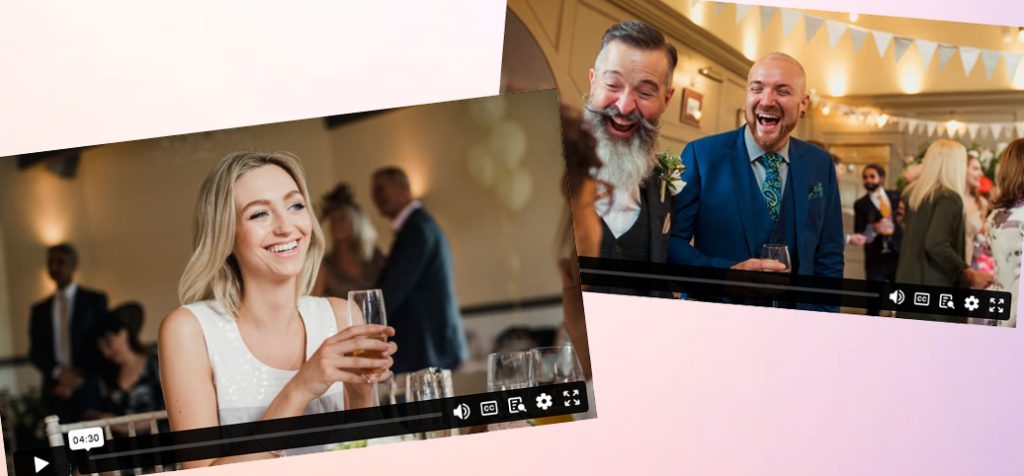
Our film it yourself wedding videos are fun, candid and personal. Afterall, they’re filmed by those who love you most.

Happy Couples

Hear what the happy couples before you have had to say about Filmed On Phones.

We used Filmed on Phones for our wedding in September 2023 and couldn’t recommend them enough. The final video is incredible and so professional that it looks like we had a videographer there on the day. We can’t stop watching it!

Megan / via Google
View Wedding

Such a great experience with Filmed On Phones. It was just a couple of clicks to purchase and they kept me and my ‘filmers’ updated the whole time. Using this guest filmed approach we got some footage that a professional videographer may have discounted but that meant soo much to us and our guests.

Jemma / via Google
View Wedding

So delighted with our wedding video. We had initially decided not to get one as didn’t want the additional cost of a videographer however after coming across Filmed On Phones we got one of their packages and I’m so glad we did!!

Niamh / via Google
View Wedding

We could not be happier that we used Filmed On Phones for our wedding. From the very beginning, the team were so helpful and incredibly friendly, making the process super easy. Don’t hesitate to book Filmed On Phones!

Emily / via Google
View Wedding

We used Filmed on Phones for our wedding in September 2023 and couldn’t recommend them enough. The final video is incredible and so professional that it looks like we had a videographer there on the day. We can’t stop watching it!

Megan / via Google
View Wedding

Such a great experience with Filmed On Phones. It was just a couple of clicks to purchase and they kept me and my ‘filmers’ updated the whole time. Using this guest filmed approach we got some footage that a professional videographer may have discounted but that meant soo much to us and our guests.

Jemma / via Google
View Wedding

We could not be happier that we used Filmed On Phones for our wedding. From the very beginning, the team were so helpful and incredibly friendly, making the process super easy. Don’t hesitate to book Filmed On Phones!

Emily / via Google
View Wedding

So delighted with our wedding video. We had initially decided not to get one as didn’t want the additional cost of a videographer however after coming across Filmed On Phones we got one of their packages and I’m so glad we did!!

Niamh / via Google
View Wedding

Highly recommend. What an incredible experience. The service from the team was absolutely outstanding. We honestly can’t thank the team enough.

Charlotte / via Facebook

Filmed On Phones made it so easy for our friends to film our wedding day. All the little touches like the guidance they provide to our filmers made such a big difference. Thank you!

Lucy / via Google

As Seen On

Ready to film your own wedding video?

View our packages and start getting ready to make your wedding video today!

Recent Blog Posts

Creating a Wedding Video for the Bride and Groom: A Gift They’ll Never Forget

When it comes to wedding gifts, there’s nothing quite like the gift of memories. While [...]

What is the movie about friends going to weddings together?

If you’ve ever wondered what that movie is where a group of friends goes to [...]

The Best Phones Video Cameras for Filming Wedding Videos

When it comes to video recording, there’s no denying that a dedicated video camera will [...]

DIY Wedding Trends You Won’t Have Thought Of

DIY weddings have become a massive trend in recent years, allowing couples to add personal, [...]

Which Friends Should Be Invited to Your Wedding?

Weddings are one of the most joyous celebrations of love and commitment, but they can [...]

How To Make a Free Wedding Video

Hiring a professional wedding videographer can be expensive, but that doesn’t mean you have to [...]

Crowdsourcing Your Wedding Video: A Fun, Affordable, and Personal Way to Capture Your Big Day

When it comes to wedding videos, traditional options often come with a hefty price tag. [...]

Planning a Budget-Friendly Wedding in 2025: Top Tips for a Stunning Celebration Without the Price Tag

Getting married in 2025 doesn’t have to mean spending a fortune. With inflation still making [...]