
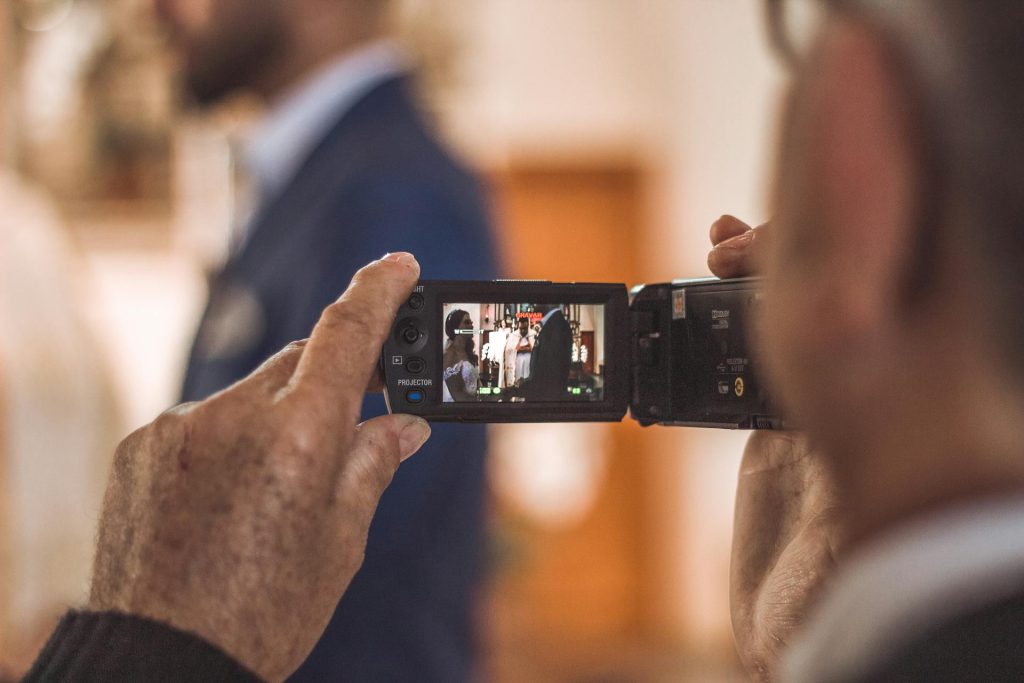
Hiring a professional wedding videographer can be expensive, but that doesn’t mean you have to miss out on capturing your special day. With the right approach, you can make a free wedding video using the tools you already have—smartphones, willing friends, and a bit of creativity.
The result? A fun, personal, and budget-friendly keepsake you’ll cherish forever. Let’s break it down step by step.
1. Assemble Your DIY Film Crew
The key to creating a free wedding video is asking for help from your loved ones. Nearly everyone at your wedding will have a smartphone with a high-quality camera, so put those devices to good use!
Choose two to four people you trust—close friends, family members, or tech-savvy guests who are comfortable behind the camera. Be specific about their roles so they know exactly what to film. For example, one person can focus on wide shots of the ceremony, another can capture candid moments during the reception, and someone else can follow the couple for those intimate, emotional shots.
Dividing responsibilities helps ensure you don’t miss a moment without overwhelming any one person.
2. Plan Your Shot List
Even with a free wedding video, a little planning goes a long way. Write down the most important moments you want to capture throughout the day.
Start with the “must-haves” like the ceremony, vows, first kiss, speeches, first dance, and cake cutting. Then add some candid shots, like guests mingling, kids playing, and group laughter. By creating a clear shot list, you’ll help your film crew focus on the right moments without feeling like they have to record every second of the day.
This planning will make the editing process smoother, too, because you’ll already have the best moments covered.
3. Use the Right Settings and Tools
Most smartphones are already equipped to produce high-quality video, but a few quick settings can make a big difference. Ask your film crew to shoot in 1080p or 4K resolution for the clearest picture and set the frame rate to 30fps (frames per second) for smooth, natural footage.
Remind them to keep their phones steady—encourage them to use both hands or lean against something sturdy for support. If they have access to a stabilizer or tripod, even better!
It’s also important to shoot in landscape mode (horizontal), which is more professional-looking and easier to edit later. For better audio, have someone stand close to the action—like during vows or speeches—so the sound comes through clearly.
4. Capture Natural, Candid Moments
Some of the best wedding footage comes from unscripted moments. Encourage your friends to focus on capturing candid, joyful interactions rather than staging scenes. Laughter between guests, tears during a speech, kids dancing, or quiet, meaningful glances between the couple can make the video feel personal and heartfelt.
Let the day flow naturally—after all, it’s these authentic, real-life moments that will make your wedding video so special.
5. Edit Your Footage Into a Highlight Reel
Once you’ve collected all the footage, it’s time to put it together into a cohesive wedding video. If you’re new to editing, don’t worry—there are plenty of free or affordable apps and software that make the process simple. For smartphones, apps like iMovie (iOS) or CapCut (Android and iOS) allow you to cut clips, add transitions, and include music. For computer users, programs like DaVinci Resolve (free) or Lightworks provide professional-level editing tools without the cost.
Start by sorting through the footage and selecting the best clips. Arrange the moments in a logical flow, from getting ready to the ceremony, reception, and send-off. Keep your video to around 5-10 minutes for a highlight reel that’s engaging and easy to share.
Add music that fits the tone of your day—something upbeat and celebratory or soft and romantic, depending on your style. Many apps even offer royalty-free music so you can share your video online without any issues.
6. Share Your Finished Video
Once your wedding video is edited and ready, share it with your friends, family, and guests! You can upload it to YouTube, send it via a shared link, or even create a short version for social media. A DIY wedding video is not only a cost-effective option but also a personal and meaningful way to relive the memories of your day.
A Professional Option Without the Cost
While making a free wedding video is absolutely achievable, it does require time and effort to coordinate the filming and editing. If you love the idea of a candid, guest-filmed wedding video but don’t want the stress, Filmed On Phones offers the perfect solution.
With Filmed On Phones, your guests capture the footage, and we professionally edit it into a stunning highlight video that tells the story of your day. We provide guidance for your guest filmmakers, ensuring they know exactly what to capture while you focus on enjoying your wedding.
The result? A beautiful, authentic video that feels like you—without the hefty price tag of a traditional videographer.
Whether you take the fully DIY approach or let Filmed On Phones help create your video, capturing the moments that matter most doesn’t have to break the bank. By following these steps and enlisting your loved ones, you can make a free wedding video that feels personal, fun, and timeless. Your wedding day deserves to be remembered—and with a little creativity, you’ll have a keepsake you’ll treasure forever.
