Gather all the wedding clips together
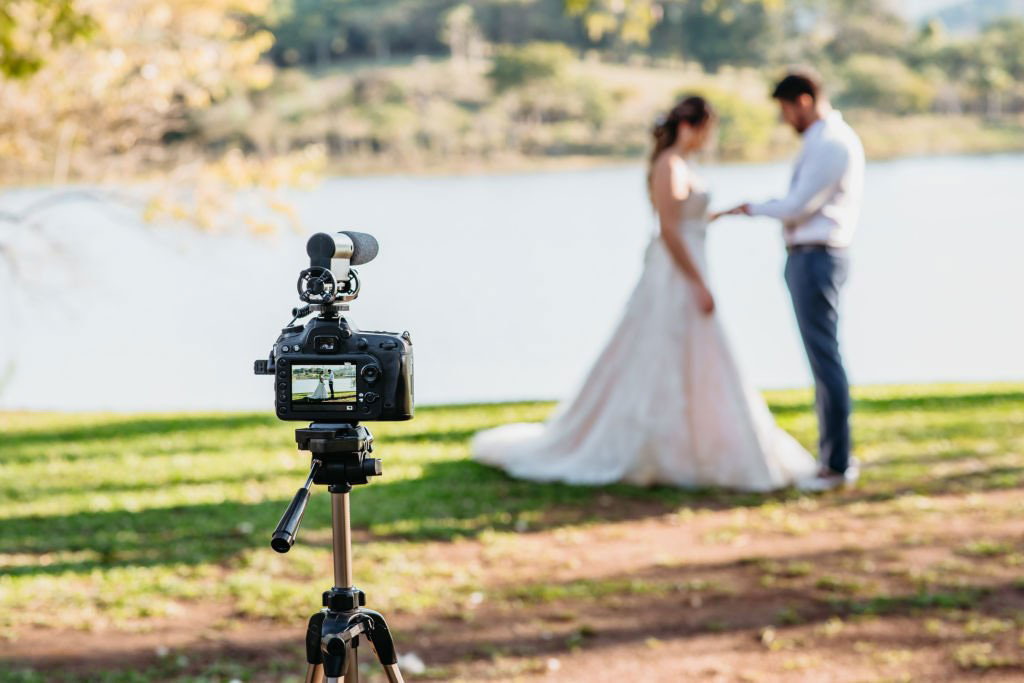
The first step, is to collect everything in. If you filmed on a camcorder, this should all be on SD cards – ensure you have an SD card reader.
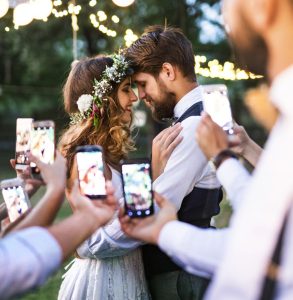
If your guests filmed on phones, you’ll need to get everyone to send their clips to you or whoever is doing the edit. We strongly advise against using WhatsApp or Facebook Messenger to collect videos. Videos are heavily compressed if sent this way, which will significantly reduce the quality of the final edit.
Instead, you should use a service like Google Drive or Dropbox and ask people to upload there. When you use our service, we provide a unique link and send this to all your assigned ‘Filmers’ the day after the wedding. They have 1 week to upload all their clips before we start editing.
You can also share this link with anyone else you want to who may have footage to upload.
How can you edit your own wedding video?
You have a few options here:
- edit the video yourself, great if you have experience in video editing
- ask a friend to do it if you know someone
- use a service like ours, where we edit guest footage together for you
Editing it yourself isn’t great, because it’s very time consuming and you ought to be enjoying your honeymoon or married life generally. Also, it means you’ll see all the video footage before your partner, and takes away that special moment of watching the wedding video together for the first time.
So – we’re biased – but we would totally recommend paying professionals to edit it for you. However, if you do want to edit it yourself, we’ll delve further into your options below…
What video editing software should you use?
There’s plenty of options out there, depending on what you want.
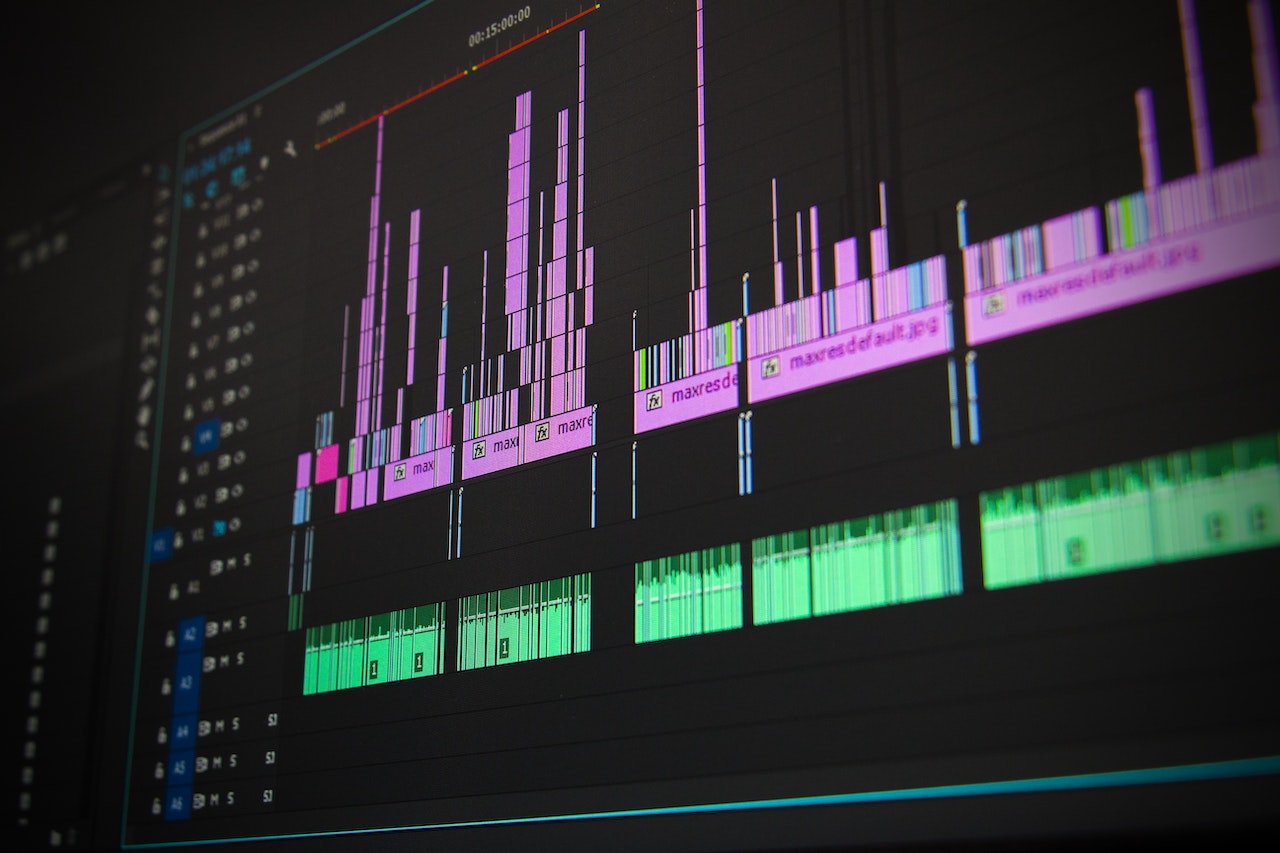
Premiere Pro: this is the go to option for professionals, and this is what we use to edit all of our videos. However, an Adobe Creative Cloud subscription is required which is expensive. But there is no limit to what can be achieved with Premiere Pro, and good editing is going to make all the difference to your final highlights film.
Clipchamp: this software comes free with Windows, so you’ll likely have it on your PC already. It is very limited in what it can do, but if cost is a huge factor, this may be your best option.
CapCut: Perfect if you want to edit your wedding video entirely on your phone. There is a small monthly cost of the Pro version, but it’s probably worth it so you can get the most out of editing on your phone.
Instagram/TikTok: if you only want a wedding video to post on Instagram or TikTok, you could edit exclusively in-app. It can be fiddly and there are limits to how long it can be, or how much and what music can be used.
How many hours does it take to edit a wedding video?
On average, it takes around 10 hours. It does depend hugely on the length of the edit. For example a 2-3 minute film will be much quicker to edit than a 40 minute film including full cuts of the ceremony, speeches and first dance. The key takeaway is that editing is very time-consuming.
What music can I use?
We have a huge libary of licensed popular songs to use in the videos we edit, including everything from David Bowie and Fleetwood Mac, to Bruno Mars and Macklemore.
If you are doing it yourself, you might want to look at a free stock music library like Pixabay. However, don’t expect amazing things for free!
If you are simply editing a video in Instagram or TikTok, you can add licensed music within the app. However, Instagram is currently limited to 90 seconds, and TikTok to 60 seconds for any popular music.
Can I use any song in my wedding video?
If you’re editing it yourself and it’s just for personal use, yes – you can really do what you want without worrying about any repercussions. However, if you plan to post it online – on social media or on video sharing platforms like YouTube and Vimeo – you need to have the proper licensing to use any popular music.
That’s why your best bet would be to use a platform like Pixabay.
Can I post my wedding video on YouTube?
Yes, absolutely. However you need to ensure your music is fully licensed. If someone else editing the video for you, it’s best to check with them. If you are editing it yourself, ensure you use a music licensing service and display the appropriate information in the video description, to avoid a copyright takedown.